Lesson 6 of 36K-beauty
How to use a cushion compact (Korean base)
Cushion compacts are quick and convenient, but pressing a freshly loaded puff directly onto your skin can make the finish look heavy. With a few tweaks in puff control and technique, you can achieve a smooth look.
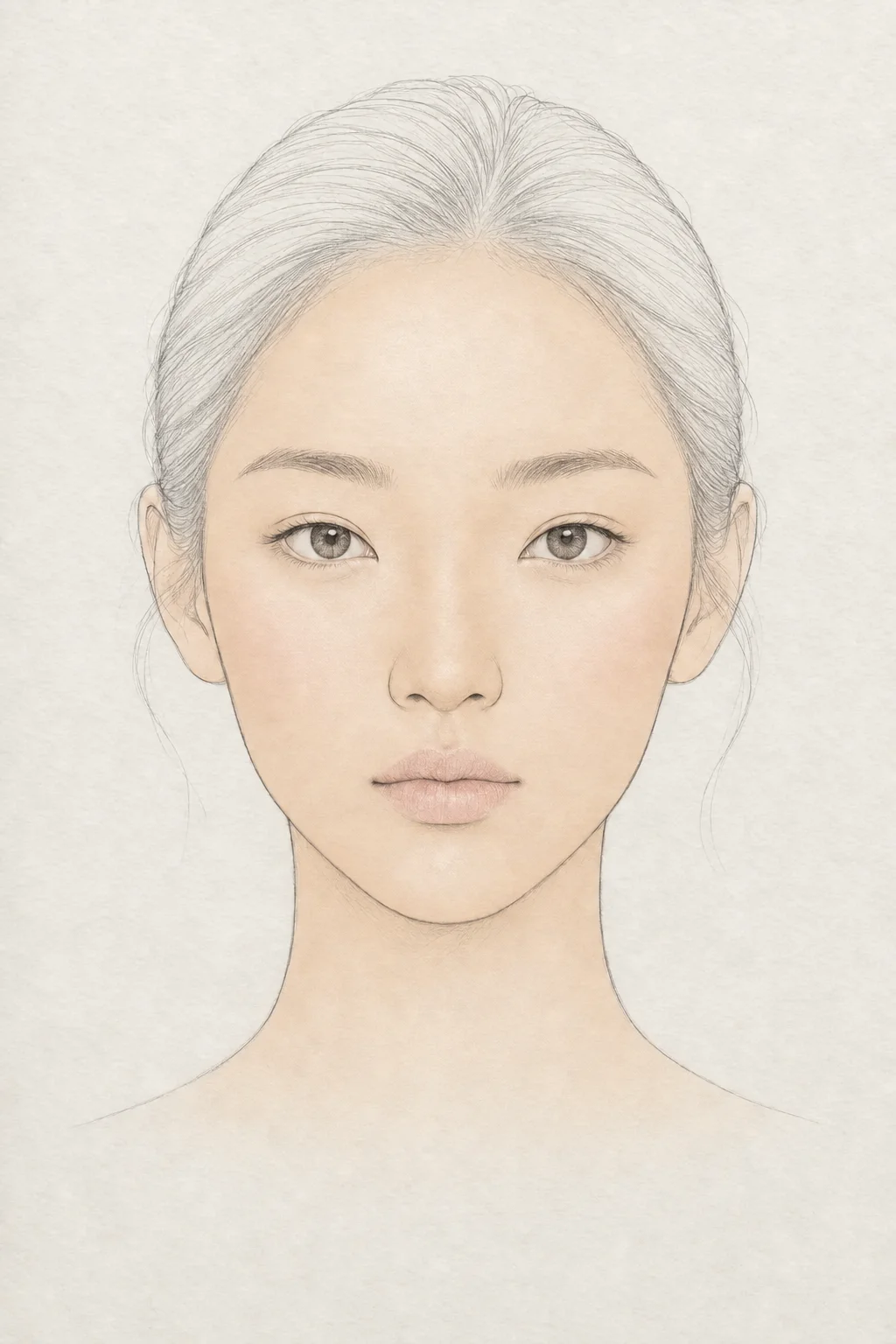 1·2·3·4
Watch · 19 sec
All 4 steps on one face
The chart shows where each step goes; the video shows how the face changes. Step-by-step details are below.
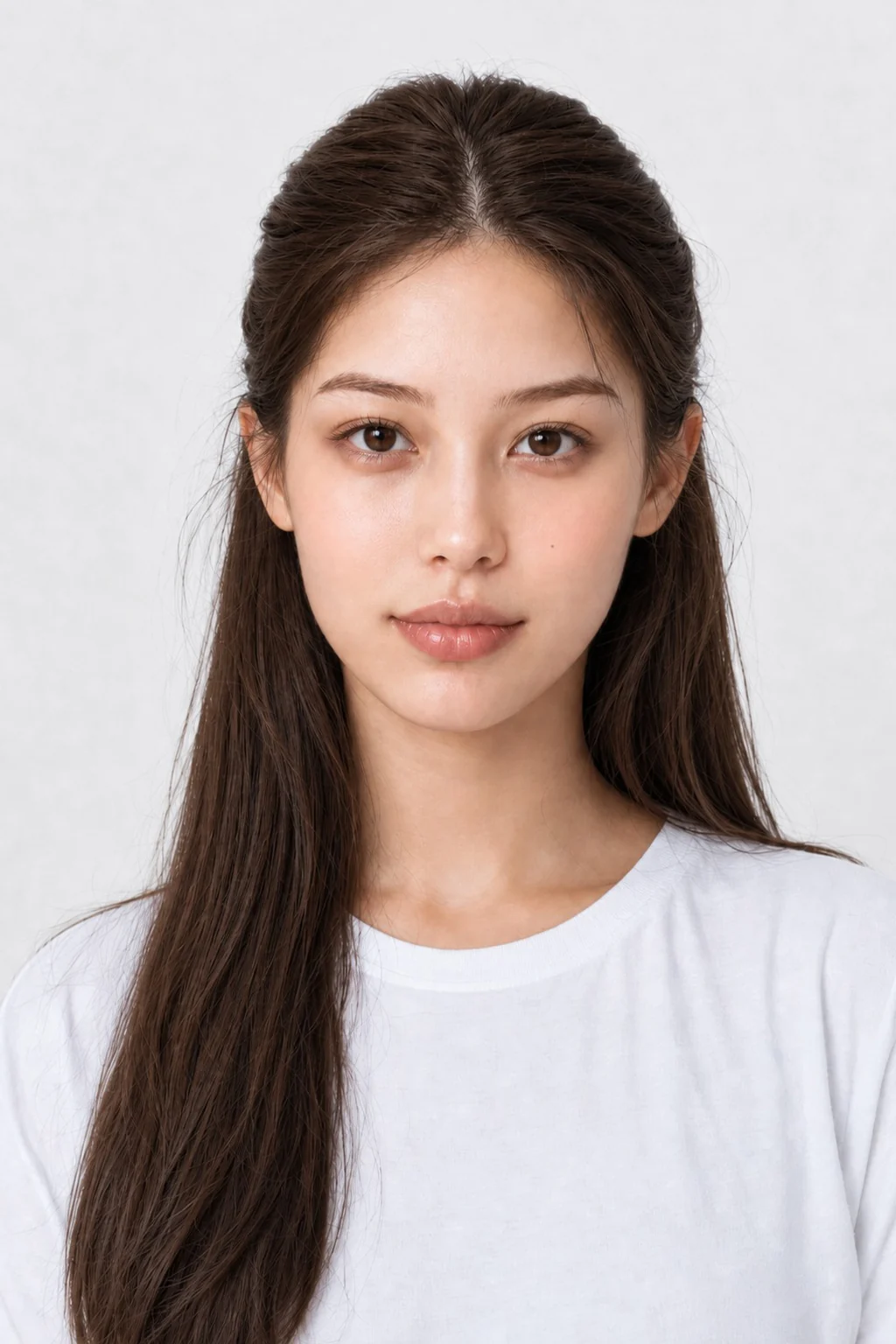
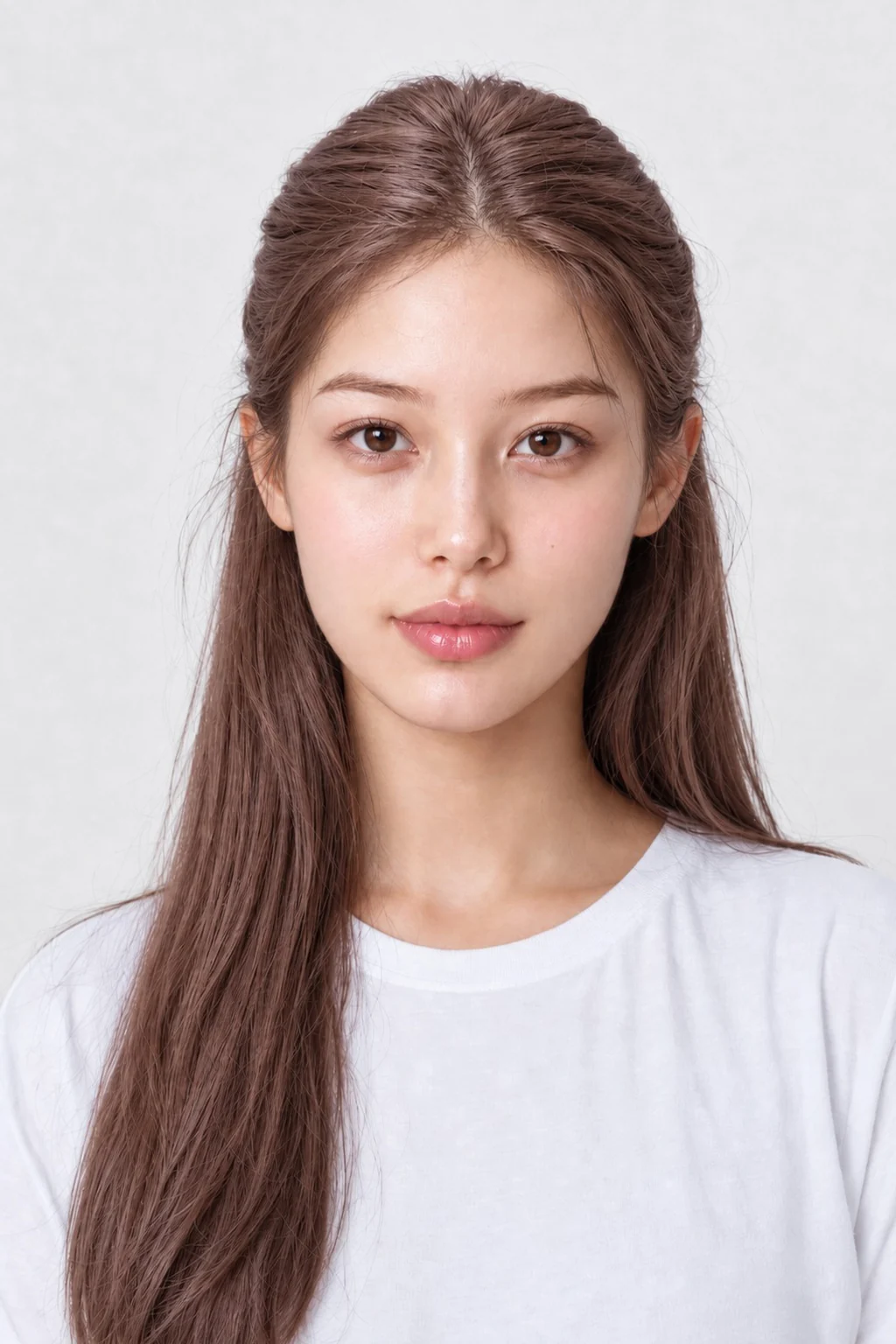
JJ is an AI-generated model. Makeup changes are illustrated by AI.
infoCoupang links on this page are affiliate links (Coupang Partners) — we may earn a commission at no extra cost to you. YesStyle and Amazon links are plain searches. Each link searches for a product type, not a specific brand we endorse.
1Skin
Control the puff amount
Press the puff gently into the sponge, then tap it two or three times against the inner lid to remove excess product. Spreading it thinly across the puff helps it apply seamlessly.
Cushion foundation2Skin
Pat, never rub
Swiping drags your skincare and leaves streaks. Tapping straight down presses the product in so skin looks smoother.
Cushion puff3Skin
Center of face to edges
Start at the cheeks and forehead where you need the most coverage. Use only the remaining product on the puff as you move toward the jaw and hairline so the color fades naturally.
Cushion foundation4Skin
Fold puff for narrow crevices
Fold the puff in half and gently tap around the sides of the nose and under the eyes. Using only the leftover product helps prevent creasing or buildup on delicate areas.
Cushion puff
lightbulbTips
- Removing excess product on the inner cap keeps even touch-ups from caking.
- Wash or replace your puff regularly so product applies evenly.
errorCommon mistake
Pressing a fully loaded puff directly onto the skin creates a thick layer that can cake and separate over time.
health_and_safetyTry any new product on your inner arm first. If redness, itching or irritation appears, stop using it and consult a dermatologist. Keep eye products out of the eyes.
The face chart is an AI-generated illustration showing where each step goes — not a photo of a real result.